| Support Category: Certification Dashboard |
| Specialist Notes: |
To verify whether a user is a Certified Official, follow the steps below:
1. Locate the user's account and navigate to their User Record.
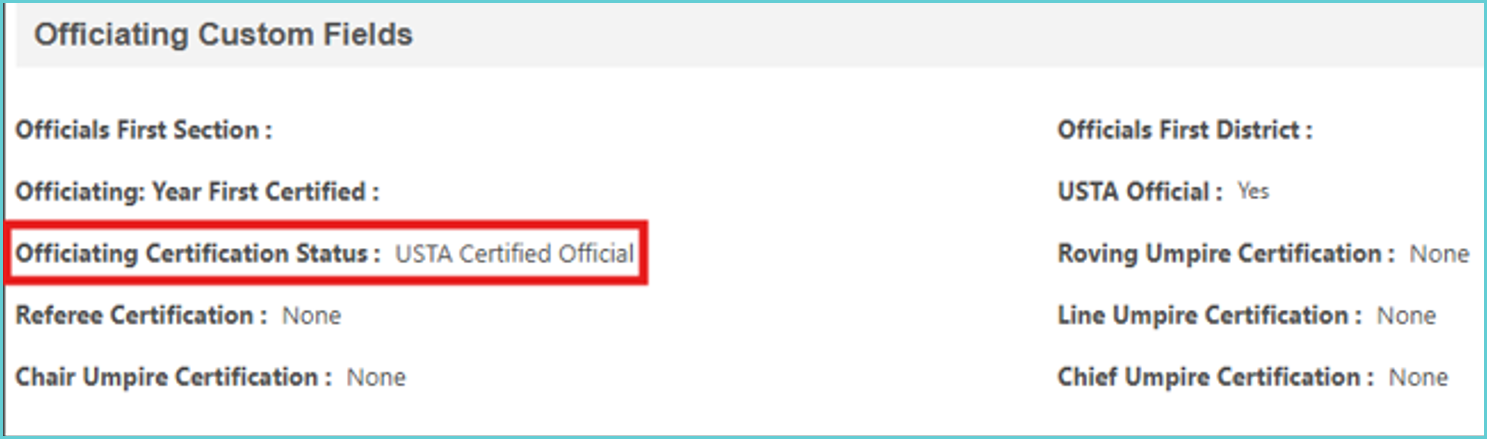
2. Scroll down to the Officiating Custom Fields section and expand it.
3. Review the Officiating Certification Status field.
If the field displays "USTA Certified Official", the user is certified.
If the field is blank, the user is not certified.
Recently Certified or Recertified Users
If a user reports that they have recently become certified or recertified, please ask them to verify that their certification status has been updated in OfficialsFirst.
Please note that data sync between OfficialsFirst and the Officiating Development Hub may take up to 24–48 hours. During this period, the user's certification status may not yet be reflected in the Officiating Development Hub.
| Standard Response: |
