| Support Category: User Account | No Account |
| Specialist Notes: |
Accounts are created automatically when a user logs in for the first time into the USTA Officiating Development Hub via SSO using their USTA.com account credentials. If the user is encountering an SSO error logging in and establishing an account, ask them to provide a screenshot.
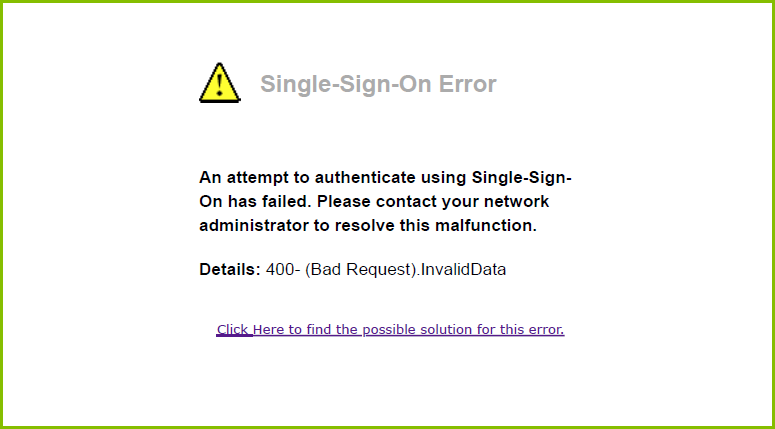
If the error matches the attached image above, please proceed with providing the SR below.
Please Note: The Root cause is the missing mailing address in the user’s USTA.com profile that prevents the system from assigning Section/District, which blocks the account creation.
| Standard Response: |
To ensure your account is established correctly in the USTA Officiating Development Hub, please follow the steps below:
1. Log in to your USTA.com account
2. Click on My Profile
3. Navigate to Account (top right)
4. Open the Mailing Address tab
5. Add your mailing address and save
Once these steps are completed, your Section/District should appear in your profile. After that, please try logging into the USTA Officiating Development Hub again to establish your account.
