| Support Category: LMS Feedback |
| Specialist Notes: |
Should a user have feedback regarding the USTA Officiating Development Hub or any other aspect of USTA Officiating, please provide the SR below to instruct users to click the feedback button and fill out the form.
Internal Note: Previously, we were escalating a ticket. However, the Administrators have recently asked us to instruct the user to fill out the form instead.
| Standard Response: |
Thank you for sharing your feedback. The USTA Officiating Development Hub Administrators have asked that all feedback be submitted through the hub so it reaches the appropriate team directly.
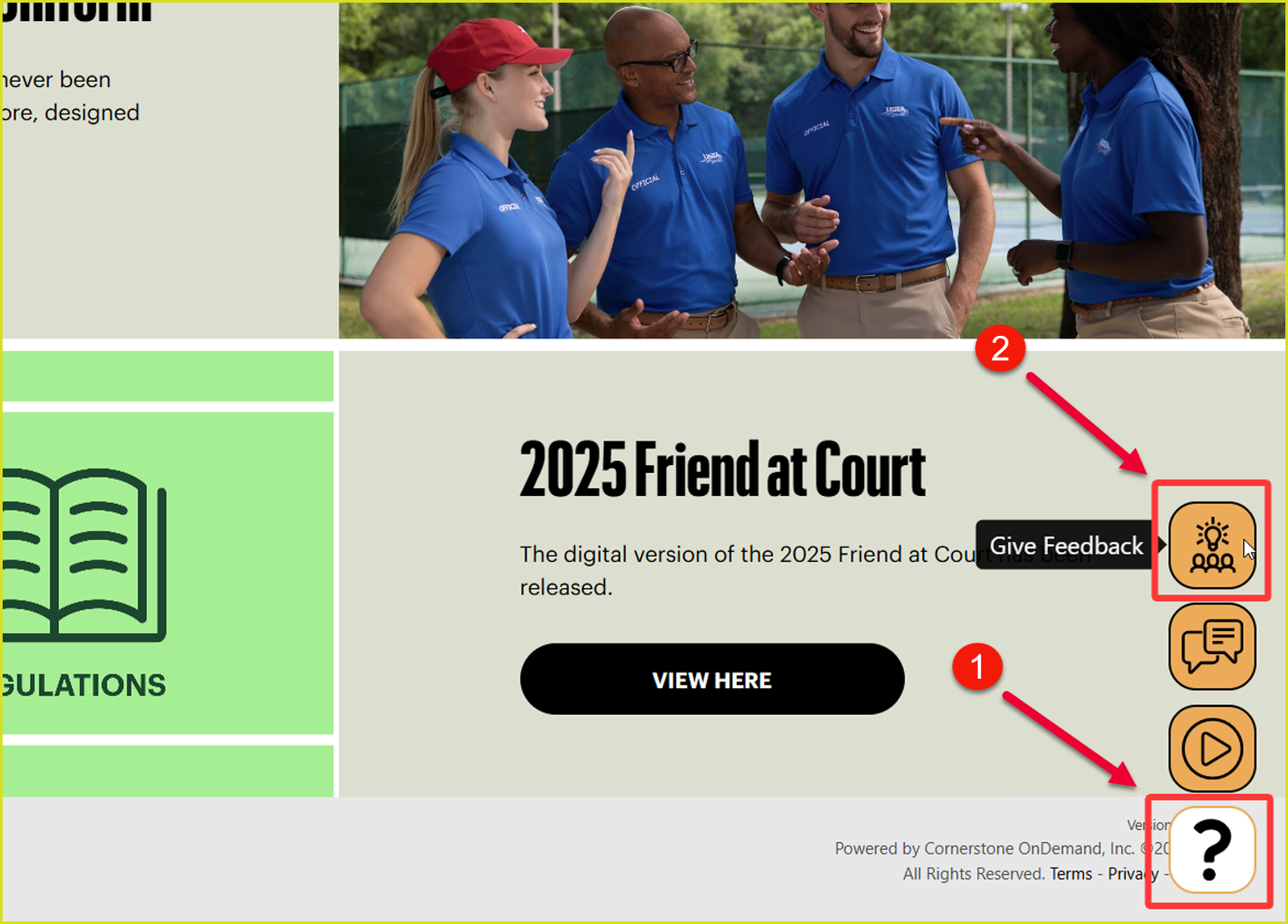
To do this, kindly go to the hub and click the orange question mark button in the bottom right corner. Then, click the ‘Give Feedback’ button. This will take you to the JotForm where you can enter your feedback, and it will be submitted to the appropriate team for review.